
The Explorer role gives supporting team members—like sales, product, or brand teams—safe, read-only access to learn how Ambassador programs operate. Stay informed, understand your brand’s talent ecosystem, and contribute more confidently without needing full access.
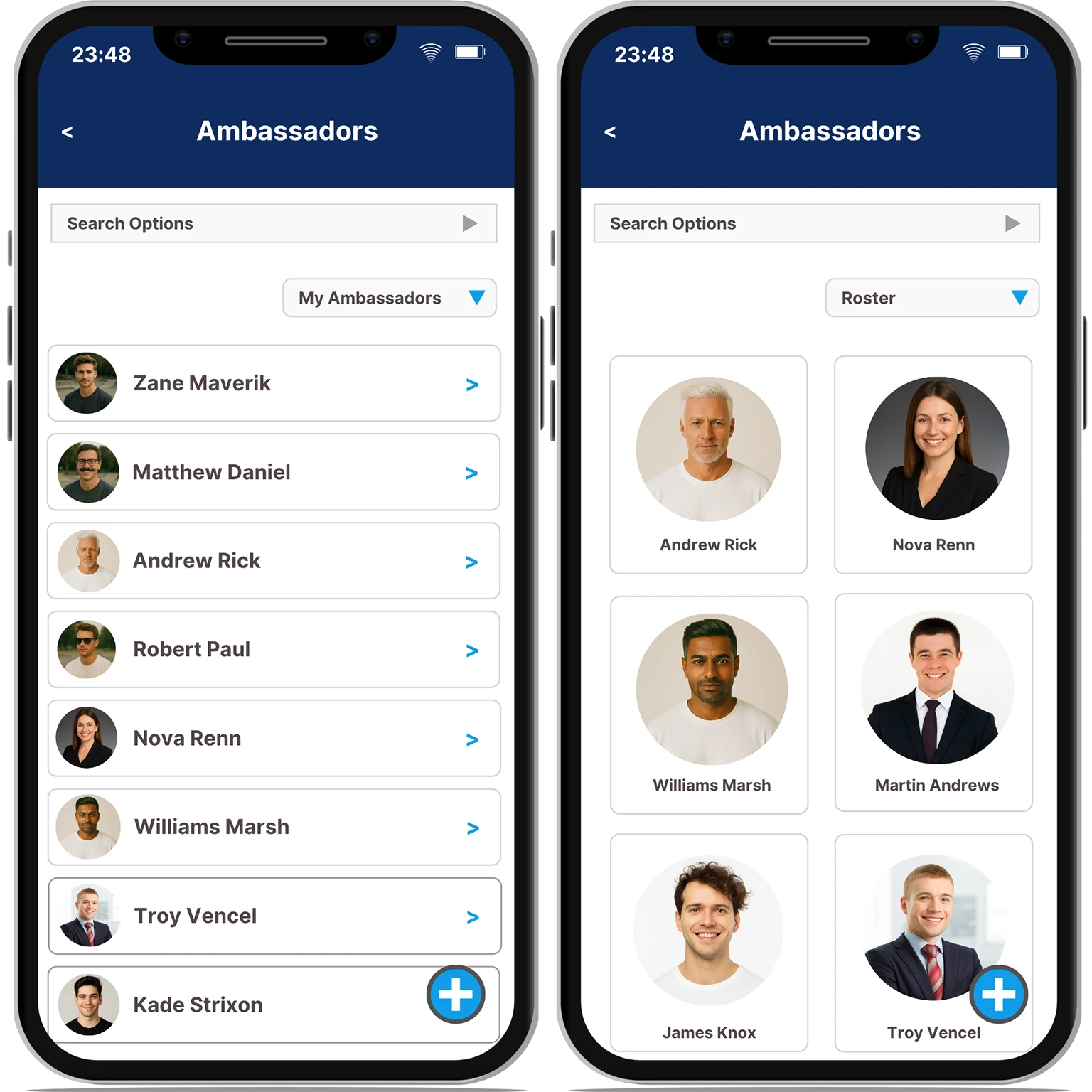
Whether you’re in retail, product, or marketing support, the Explorer role helps you understand Ambassador strategy—without disrupting workflows or needing edit permissions.
With Explorer access, you can:
BAMP’s Explorer role gives you awareness without access overload.
Explore the About and Social sections of major Ambassador profile—giving you visibility into who represents your brand and how they’re positioned publicly.
Browse organization-wide Roster Teams and Ambassadors to understand how top-tier talent is structured and utilized.
If your role evolves, your access can too. Explorer is a starting point with room to grow based on your responsibilities.
Use the Today and Reminders sections to monitor activity related to Roster Ambassadors—so you’re always in the loop without full permissions.
See how your brand organizes and tracks Ambassadors, giving you the context to collaborate more effectively with other teams.

Colin Spencer
Regional Team Leader
You can view Ambassador profiles (About and Social tabs only), browse Roster Teams and Ambassadors, and access the Today and Reminders sections for Roster-related updates. All access is read-only.
No. Explorers do not have permission to create, assign, or edit any Ambassadors or Teams. You can only view what has been shared with the entire organization through Roster sections.
No. These modules are not visible to Explorers. You will only see Ambassador profiles (About + Social), and reminders/today sections related to Roster Ambassadors.
No. Explorer access is strictly view-only. You cannot make changes, send requests, or interact with data in any way.
If your responsibilities grow, an admin can assign you a new Role—like Content Manager, Activation Rep, or Finance Manager—giving you expanded access based on what you need